
AEG Automotive inverter remote port: wiring and phone control
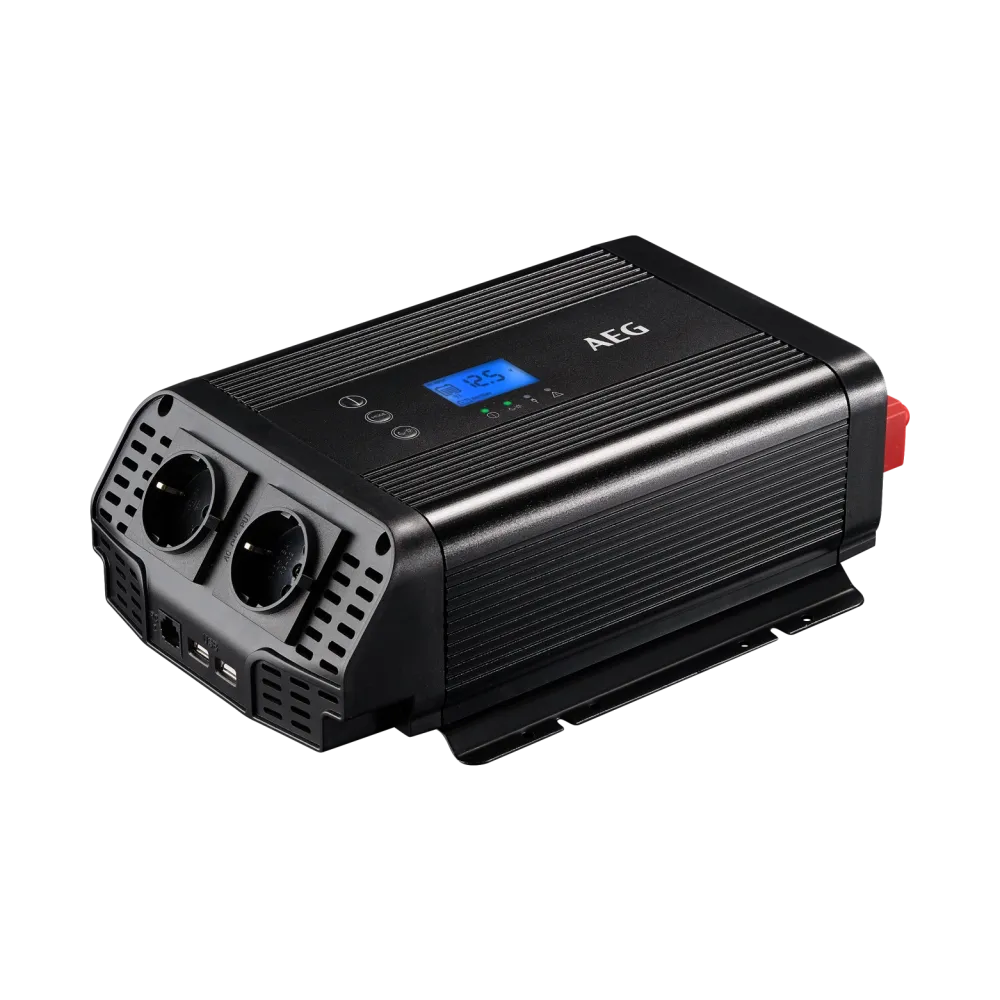
AEG Automotive RJ45
- SW 600 (pure sine)
- SW 1000 (pure sine, remote included)
- SW 1500 (pure sine, remote included)
- ST 500 / ST 800 / ST 1200 (modified sine)
AEG’s SW pure sine inverters have an RJ45 socket for a remote that’s essentially a copy of the inverter’s front panel: a red Error light, a green POWER light, a small digital display and one ON/OFF/MODE button. The SW 1000 and SW 1500 come with it; on other models it may be an extra.
That single button does two jobs. A short press only changes what the display shows. To switch the inverter on or off, you hold it for about three seconds. So our controller has to keep the contact closed for those three seconds, not just tap it, and we set it up that way for AEG. The green POWER light gives us a way to read back whether the inverter is running.
Finding the right wires
AEG doesn’t publish the pinout. Because the remote has a digital display, some of the eight wires carry data for it; leave those alone. You need the two wires behind the button and, ideally, the two for the green POWER light.
Testing it before you solder
Unplug the network cable at the remote and set your multimeter to continuity on the remote’s socket. Hold the button down and look for the pair that beeps only while it’s held. If you can’t find one, the button probably talks to the inverter in data, and then this remote isn’t a match for our controller, so do tell us. With the cable plugged into the inverter only, hold that pair together at the loose end for a slow count of three: the inverter should come on, and go off again with the next three-second hold. A quick touch shouldn’t do anything. Finally, with the inverter running, find the pair on DC that gives a reading only while it’s on: that’s the green light.
Further reading
We haven’t had an AEG inverter on our own bench yet. The remote and the three-second press come from AEG’s user guide:
AEG® is a trademark of its respective owner. VanTurtle is not affiliated with, endorsed by, or sponsored by AEG. We only mention them to show compatibility.
Switch it from your phone
Our Inverter Controller plugs into the AEG remote port and lets you switch it over Bluetooth, from the Home app on iPhone or Device Controls on Android. No cloud or hub, so it keeps working off-grid. Tell us your model when you order, and after a quick multimeter check on your end we’ll set it up for you. From €19,99.
