
inverter_hero

Turn your inverter on from bed

No more digging through cabinets or reaching for a wall panel just to power your inverter. The VanTurtle Inverter Controller lets your phone handle it instead.

battery-heart-variant

Conserve battery

Extremely low controller consumption and fewer wasted inverter hours

connection

Simple install

Installs in minutes with plug-in connections and screw terminals

cellphone-sound

Native to your phone

Works with iOS and Android Smart home features, no programming needed

bluetooth

Works anywhere

Bluetooth connection means the controller works even when off-grid

AC power without the hassle

Most inverters end up hidden away in storage spaces or under seats, which makes them annoying to reach. This controller lets you turn it on only when you actually need it, directly from your phone. That means less wasted power overall and no remotes to lose and no panels to install.

Works with most inverters

The controller is designed to be compatible with a wide range of inverters that use a phone jack (RJ11) remote port. If your inverter uses a simple wired wall panel, there is a high chance it is supported.

After purchase we ask you for the brand and model of your inverter. If we have tested that one before then we can customize the controller to your specific inverter. Otherwise, we ask you to do a quick test with a multimeter to find out what control scheme your inverter is using.

inverters
vanturtle-inverter-ios

Built into your phone

Just like on our fan controller, the inverter connects to your phone over Bluetooth and becomes part of your device controls without needing any cloud connection or hub. Once paired, it behaves like a native system device and responds instantly to simple on/off commands from your phone.

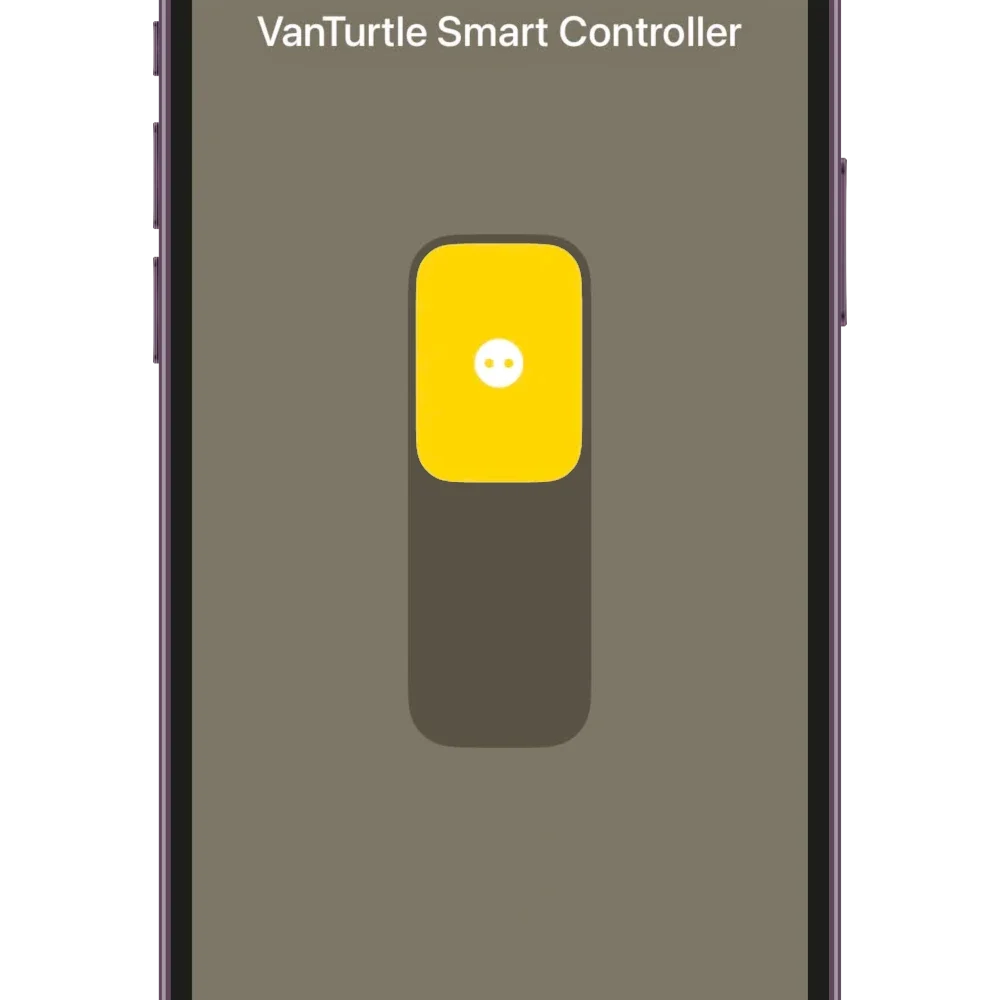
On iPhone, setup is done through the Home app, after which the inverter appears alongside your other accessories. You can control it from Control Center with a swipe, or include it in scenes and automations so it switches on or off automatically based on your routines.

On Android, the inverter integrates through Device Controls after initial setup in the companion app. It can be added to quick settings tiles, device controls, or home screen widgets, giving direct access without opening an app each time.

Prefer WiFi instead?

For users who want more flexibility, there is optional WiFi firmware available. It is designed for hobbyist setups and can integrate into your existing setups with MQTT, REST API, WebSocket, and Tuya.

You can also control the fan directly from your browser using the built-in web app, with a slider interface that works well on both desktop and mobile.
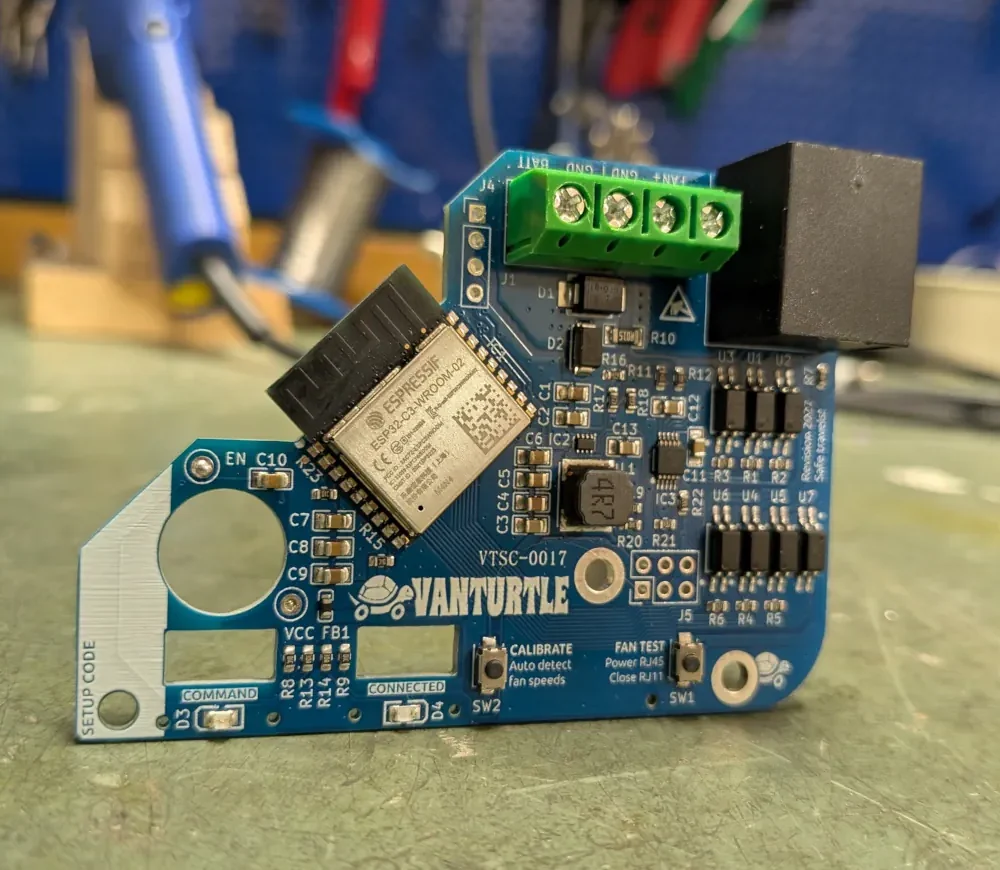
vt_smart_controller
bob

Made by fellow travelers

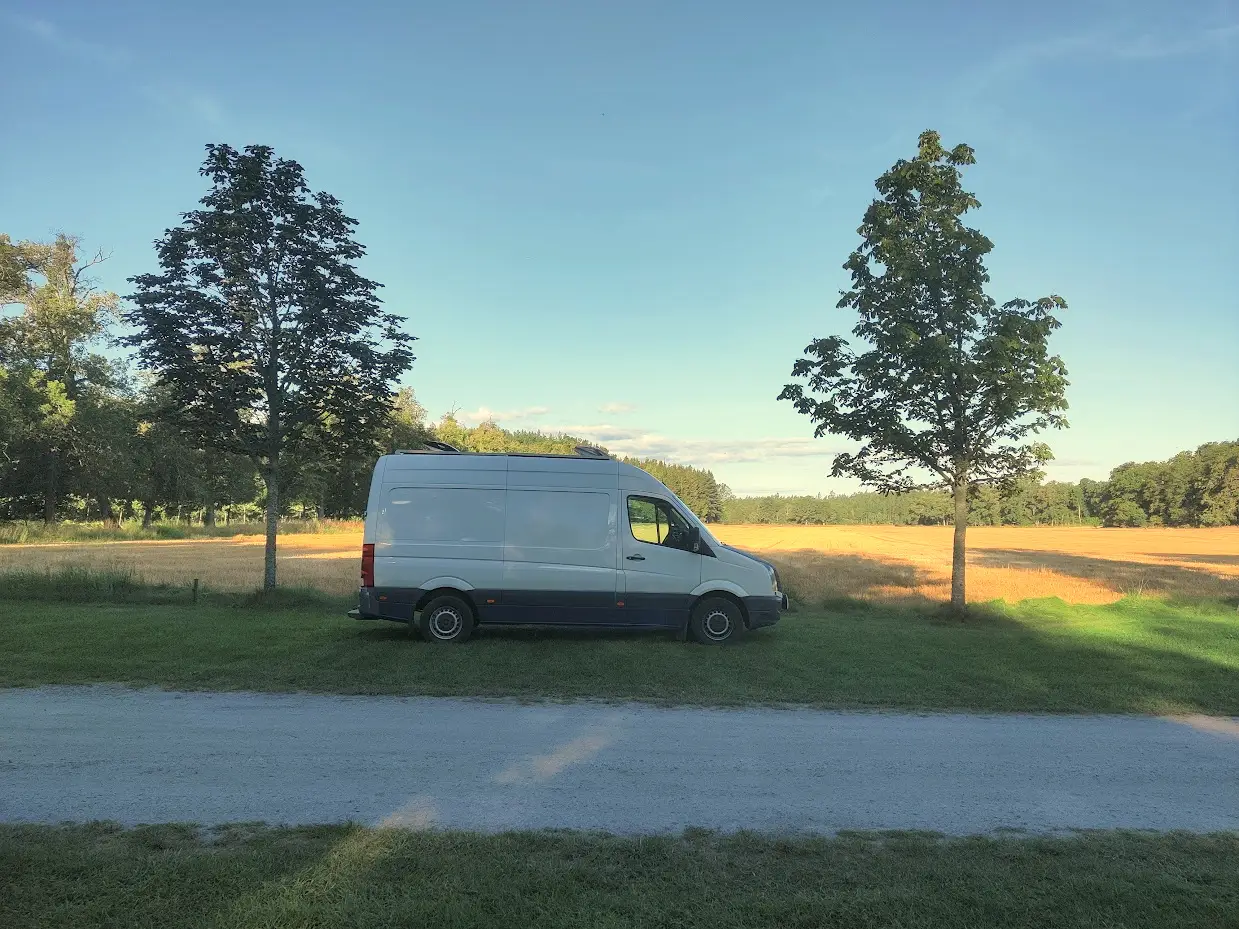
VanTurtle started as a DIY project for our own van. We wanted better control over our MaxxAir fans, so we built a digital controller and tied it into the small computer that was already running Home Assistant for us. After building that, things got a little bit out of control and now we’re hand soldering 3 different types of controllers!

Get one today for just €19,99

Shipping within the EU for as low as €4

Frequently Asked Questions

Will it work with my inverter?

The controller is designed for and should work for almost all inverters that use an RJ11-style wall panel connection. Confirmed compatible brands include MEXXSUN, HQ, VertaMax, and ProPlus, but many other brands appear to use the same internal hardware.

A good sign is if your inverter’s wall panel has a green “Power” LED and a red “Fault” LED. In many cases, that means it uses the same signalling method and should work with the controller. If you want to be sure, do the test in the next question.

How do I check if my inverter is compatible?

There are several different RJ11 control variants used by inverter manufacturers. The basic test to check compatibility  is as follows:

  1. Connect a phone wire to the RJ11 port on the wall panel that came with your inverter. Do not connect it to the inverter itself. It’s easiest if the other end has all 6 wires cut and stripped, but you can use an intact phone wire with a plug as well.
  2. With a multimeter in continuity mode (beeeeep), see if wire pairs 1+2 (leftmost, white and black) or 5+6 (rightmost, yellow and blue) are not connected.
  3. Now press and hold the ON button on the wall panel. This is easiest with two people. If it’s just you, try putting a small object on the button and tightening a tie wrap around the wall panel to keep it pressed. Make 100% sure it is pressed.
  4. Test the same pairs 1+2 and 5+6 again and see if they are now shorted. If one is, please let us know when you place your order.
  5. If they are not, you might have a rare combination. With the button still pressed, try any other combination of wires. If you find one that is shorted, stop pressing the button and check if the short is gone. If so, you have found your correct pair.

RJ11, don't you mean RJ12 (6P6C)?

Yes, but RJ11 seems to be what most customers call the connector. You do need to have all 6 wire strands connected, so 6P6C is what you need.

Does it work with both iPhone and Android?

Yes. The controller supports both iOS and Android devices.

On iPhone it integrates through the Apple Home app, while on Android it integrates with Smart Device Controls after setup in the companion app.

Can I still use the original wall panel?

Yes. The original wall panel can still be used alongside the controller by using a simple RJ11 splitter cable. Make sure the splitter has all 6 conductors, some cheap ones only have 2 or 4.

Is there a WiFi version?

Yes. An optional WiFi firmware is available for users who want deeper smart-home integration or browser-based control.

It supports MQTT, REST APIs, WebSocket, and Tuya Cloud.

We can also flash ESPHome onto the controller so integration into Home Assistant is super easy.

Can it tell whether the inverter is currently on?

Not currently. Most inverter remote ports only expose a simple toggle signal and do not provide state feedback. We are investigating ways to improve this in future versions. Ask us if you’re interested in this.

Does it support true on/off commands or only toggle?

Most compatible inverters use a toggle-style power signal, similar to pressing a physical button on the wall panel. The controller behaves the same way.

Do I need to modify the inverter?

No modifications are required. Installation is plug-and-play using the inverter’s existing remote port and a fused 12 V connection.

Does it need separate power?

Yes. The controller uses its own small 12 V supply connection instead of drawing power from the inverter’s remote port. This avoids interfering with the inverter electronics.

How difficult is installation?

Installation is very straightforward. Plug the RJ11 cable into the inverter and the controller, then connect fused 12v power using the built-in screw terminals.

How much power does the controller use?

Under 0,02 amps at 12v. The controller itself has extremely low power consumption, especially compared to the inverter’s idle draw.

Does it work anywhere in the van?

Yes. Communication between your phone and the controller happens over Bluetooth, so you can control the inverter from anywhere within normal Bluetooth range. Often it works outside of the van too.

Do I need to use an app every time?

No. After setup, both iPhone and Android allow direct access through built-in device controls, so you usually do not need to open an app at all.

Is this officially supported by inverter manufacturers?

No. VanTurtle is not affiliated with inverter manufacturers. Brand names are only used to describe compatibility.

Still have a question?