No extra wiring
Easily installed between the wires from the fan and your wires to your fuse box

Native to your phone
Works with iOS and Android Smart home features, no programming needed

Works anywhere
Bluetooth connection means your fan works even off-grid

Sips power
Extremely low power use, barely noticeable to your van’s battery
Stop Fumbling With Remotes and Button Panels
Installs in minutes
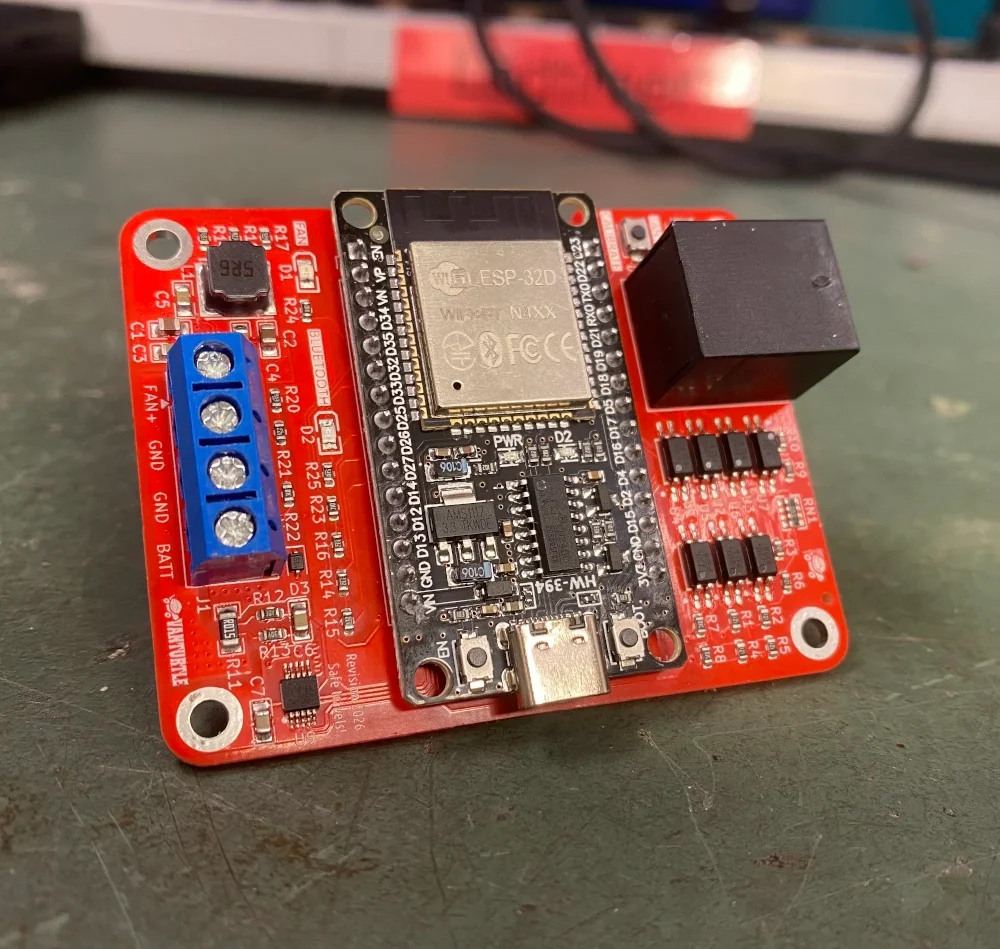
The smart controller fits directly into the wiring you already have. The same black and white wires that normally run from your fan to the fuse panel simply pass through the controller using built-in screw terminals. No extra wire runs needed.
To communicate with the fan, the controller connects using the existing port on the fan itself. Ethernet for Deluxe models and a phone cable for Plus models. You select your fan type when ordering, and we solder the correct connector onto the board for you. All that’s left to do is plug in the cable and power it up.
One with your phone
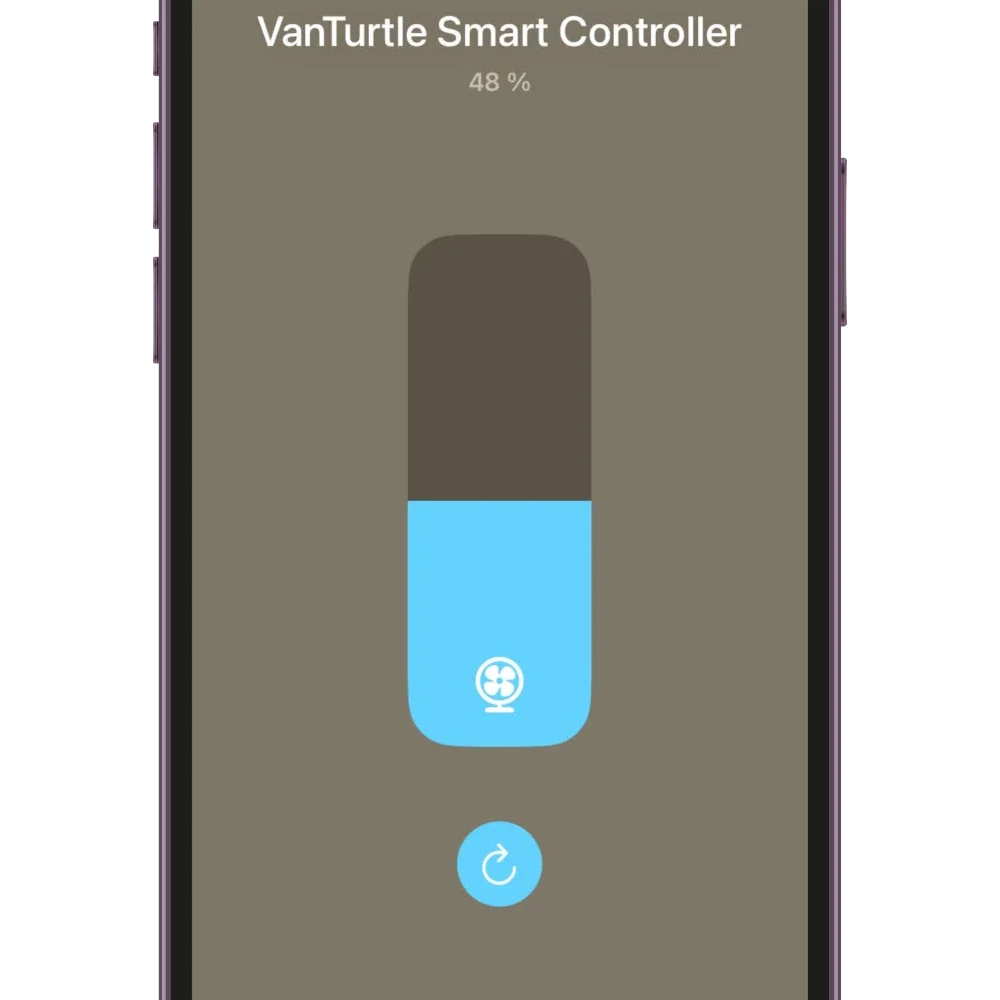
The smart controller connects directly to your phone over Bluetooth Low Energy and integrates with the built-in smart device features of iOS and Android. It does not rely on cloud services, external hubs, or background servers. All communication happens locally between your phone and the controller. Once paired, the fan behaves like a native accessory within your phone’s operating system.
On iPhone, the controller is added through the Home app and becomes part of your device control interface. You can access it from Control Center with a quick swipe down and control power, speed, airflow direction, and automatic temperature hold without launching a separate app.
On Android, the controller integrates with Smart Device Controls after setup in the companion app. You can place the fan in quick settings tiles, device controls, or home screen widgets for direct access without having to open the app at all.
Made by fellow travelers
VanTurtle started as a DIY project for our own van. We wanted better control over our MaxxAir fans, so we built a digital controller and tied it into the small computer that was already running Home Assistant for us. After building that, we heard the same thing over and over: “This is great, but I don’t want to program anything.” So we took what we had learned and turned it into this smart controller. It’s the same core idea, just made simpler and easier to use.